
Xtream Codes: Login Fields, Errors and Safe Setup Explained
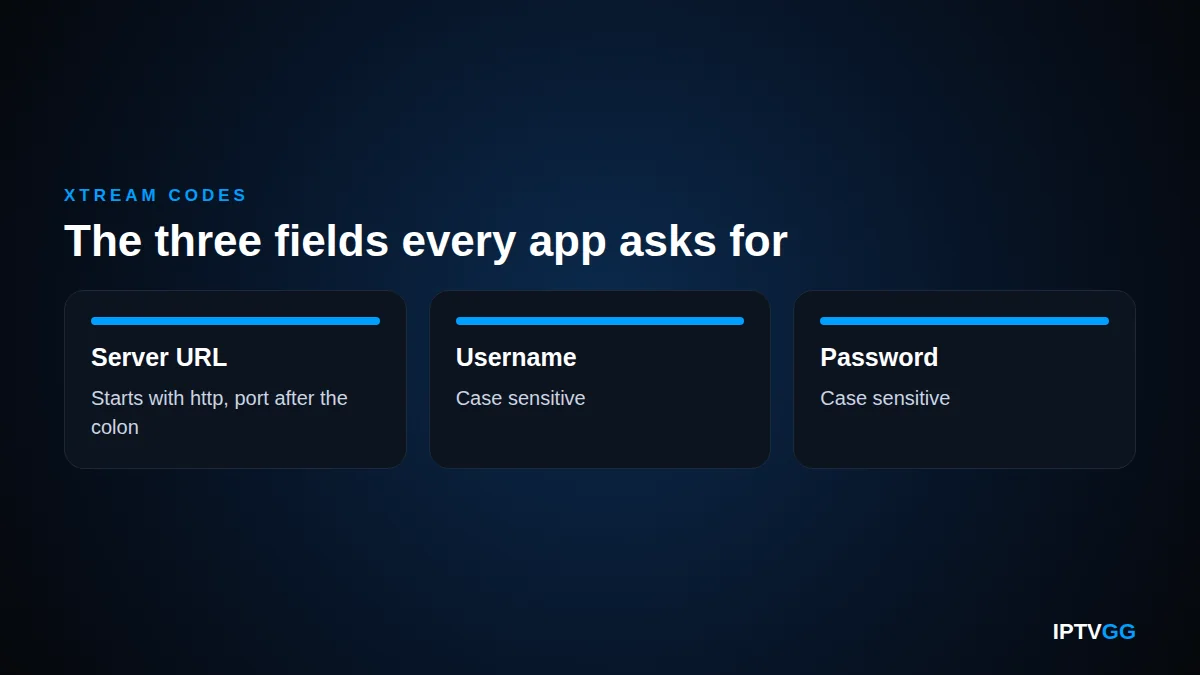
Xtream Codes is the login method most IPTV apps use. Instead of one long playlist link, you type three things: a server address, a username and a password. The app then pulls your channels, films and TV guide by itself. This guide explains what Xtream Codes is, where each field goes, and why the free code lists people search for do not work.
Key takeaways
- Xtream Codes is a login type, not an app you install.
- You need three values: server URL, username, password.
- It is the easiest of the three IPTV login methods to move between devices.
- Public Xtream Codes lists are dead within hours and are a common way to spread modified apps.
- Your own details come from your provider after you order.
What Xtream Codes actually is
The name confuses people because it means two different things. Xtream Codes began as panel software that IPTV providers ran on their servers to manage lines and channels. Over time, apps started supporting the way that panel hands out credentials, and the phrase came to mean the login method itself.
When an app offers Xtream Codes login, Xtream Codes API or simply login with username and password, it is offering the same thing. The app asks your provider server for your channel list, your films and your TV guide, then arranges them into menus. That is why an app using Xtream Codes shows categories and posters, while a plain playlist often shows one flat list.
Xtream Codes login: the three fields
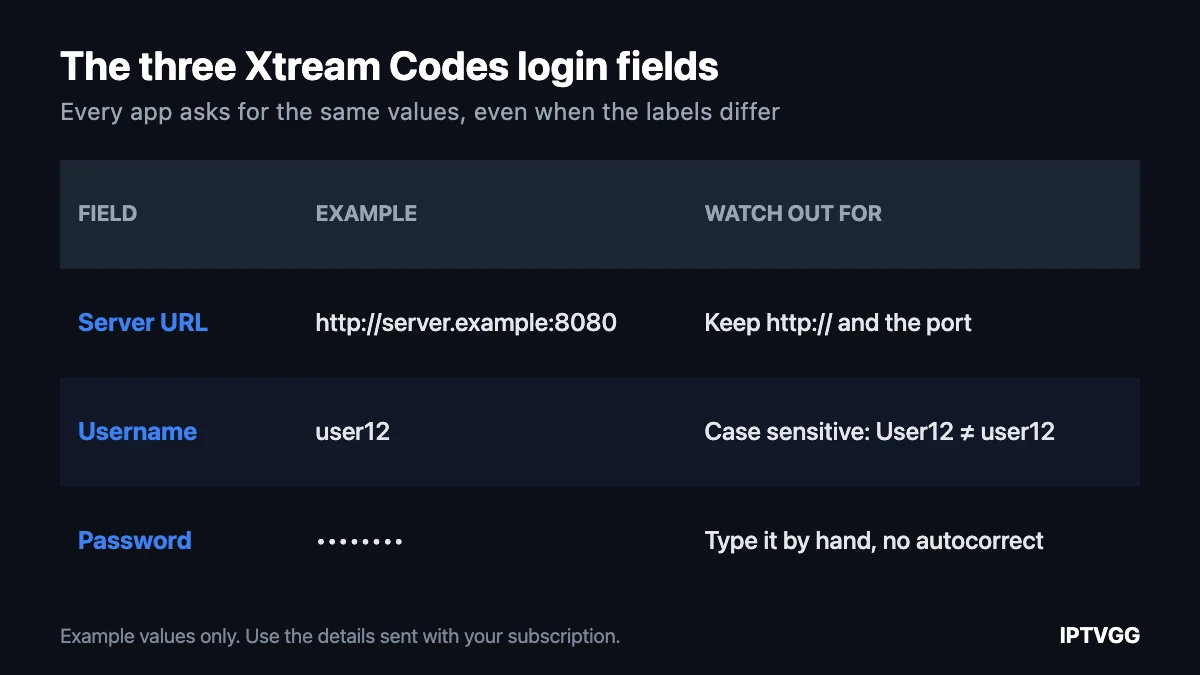
Every app asks for the same three values, even when the labels differ.
| Field | Also called | What it looks like |
|---|---|---|
| Server URL | Host, server address, portal | An address starting with http:// or https://, sometimes with a port number after a colon |
| Username | User, login | A short string of letters and numbers |
| Password | Pass | A short string of letters and numbers |
Type them exactly as they were sent. The three most common mistakes are a missing http://, a dropped port number, and a capital letter that should be lowercase. Credentials are case sensitive, so User12 and user12 are two different logins.
Some apps add a fourth field for a name or nickname. That one is only a label for your own screen and you can write anything in it.
Xtream Codes, portal URL or M3U: which does your device use?
There are three ways to connect an IPTV device, and the one you need depends on the hardware rather than on preference.
| Method | What you enter | Typical device | Moves between devices |
|---|---|---|---|
| Xtream Codes | Server, username, password | Phones, Firestick, Android boxes, Smart TV apps | Yes |
| Portal URL | One address, tied to a MAC | MAG boxes, STB Emulator | No, the line follows the box |
| M3U playlist | One long link | Most players, as a fallback | Yes |
If you own a MAG box, you are in portal territory and our IPTV portal URL guide covers it. For everything else, Xtream Codes is usually the better choice because the same login works on a phone today and a new TV next year. The M3U playlist guide explains the third option. M3U itself is a plain-text playlist format that almost every media player can open, which is why it works as a fallback.

How to enter Xtream Codes in an app
Menu wording changes between apps and between versions, so follow the shape of the steps rather than exact labels.
- Open the app and start adding a new user, profile or playlist.
- Choose the login type that asks for a username and password rather than a file or a link.
- Enter the server address first, including
http://and any port number. - Enter the username, then the password, checking for capital letters.
- Save, then wait. The first load pulls thousands of entries and can take a minute.
Device-specific walkthroughs live in our installation guides, including Smart TV, Firestick, XCIPTV on Android and Apple devices.
Is there an Xtream Codes API list you can use?
This is one of the most searched phrases around IPTV, and the honest answer is that it does not lead anywhere useful.
Credentials are issued per customer and checked against a provider account. A username pulled from a public list belongs to someone else, so one of three things happens: the server refuses it, the line is already in use and both sessions get dropped, or the provider notices and disables it. Lists that still appear to work are usually hours old at most.
There is a second problem. Pages that publish free codes are a known route for spreading modified apps and for collecting the IP addresses of everyone who connects. If a page offers credentials but asks you to install a file first, close it.
The only details worth typing are the ones issued to you. Ours arrive on WhatsApp after you order, and you can test the whole setup first with the 24-hour free trial, which needs no card.
Why the TV guide comes with the login
One practical advantage of this login type is the programme guide. Because the app talks to the provider server directly, it can ask for the schedule at the same time as the channels. A plain playlist usually cannot, which is why people who load an M3U link often end up with channels but no guide.
If your guide is missing or shows the wrong times, the cause is almost never the credentials. It is usually the time zone set on the device, or an app that needs its guide refreshed. Our EPG troubleshooting guide works through the checks in order.
Choosing an app
Any app that offers a username and password login will work. What differs is the interface, how it handles favourites, and how well it runs on older hardware.
- Use the app your device already supports well. An app built for Android TV will feel wrong on a phone, and the reverse is also true.
- Install only from the official store for your device, or from the developer own site if there is no store entry.
- Set up one device first and get it working before you add the rest.
We cover the common ones separately: Smarters on Windows, XCIPTV, and MAG boxes for the portal route.
Five Xtream Codes errors and what causes them

1. Wrong username or password
Almost always a typo or an autocorrect. Retype both fields by hand rather than pasting, and check that your keyboard has not capitalised the first letter. If it still fails, the subscription period may simply have ended.
2. The app connects but the list is empty
The login worked and the content did not load. Close the app fully, reopen it and refresh the list. If it is still empty, the line may not be activated yet. Message support with your username and we will check the account state.
3. Only some categories appear
Many apps cache the first load. Force a refresh from the app settings, or remove the profile and add it again. Nothing is lost by re-adding it, since the credentials stay the same.
4. It works on one device and not another
This is usually the device limit. A one-device plan allows one stream at a time, so a second screen is refused while the first is playing. If your household watches on two or three screens at once, you need a plan sized for that: see the subscription plans.
5. Everything loads but playback stutters
That is a connection problem, not a login problem. Wi-Fi across a flat loses more speed than most people expect. Try a cable first, then check the numbers with our speed test, which tells you in ten seconds whether your line can carry HD or 4K.
Is it safe to share your Xtream Codes details?
Treat them as you would any other login. Anyone with the three values can use your line, and when two sessions run at once most servers drop both. If you suspect your details have been shared, ask support to reset the password rather than buying a second subscription.
Xtream Codes: frequently asked questions
Where do I get my Xtream Codes details?
From your provider after you order. We send the server address, username and password on WhatsApp and by email, usually within minutes of the order being confirmed.
Can I use Xtream Codes on a Smart TV?
Yes, if the TV can run an IPTV app that supports this login type. Samsung and LG sets generally can. What they cannot do is run a MAG portal, which is why portal URLs do not work on them. Our Samsung and LG guide covers the app side.
Is Xtream Codes the same as an M3U link?
No, but they reach the same content. Xtream Codes uses three fields and usually produces a tidier menu with categories and a TV guide. An M3U link is a single URL that contains the whole playlist. Most apps accept both.
Can I use the same login on two devices?
You can enter it on as many devices as you like, but only as many can play at the same time as your plan allows. Plans run from one to four simultaneous devices.
Why does my app say the server is unreachable?
Check the address character by character, including http:// and the port. If it is correct, test another site on the same device to rule out your connection. If everything else loads, contact support before changing any settings.
Try it before you pay
The fastest way to know whether an app, a device and a line work together is to use them for an evening. Our trial runs for 24 hours, needs no card, and the login arrives on WhatsApp: start with the free trial or compare the plans.
Ready to try your own Xtream Codes login?
We send the server, username and password on WhatsApp. The 24-hour trial needs no card.