IPTV Smarters Not Available on Samsung or LG TV: 5 Easy Fixes (2026)
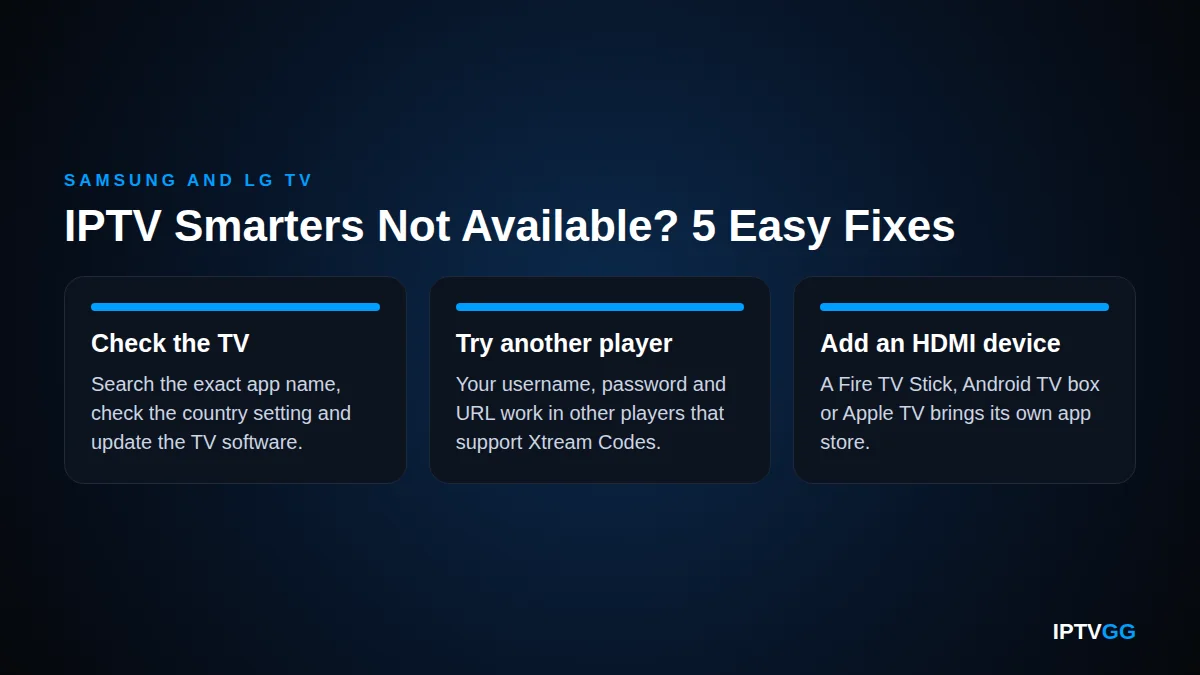
IPTV Smarters not available in your TV app store is a common problem on Samsung (Tizen) and LG (webOS) sets in 2026. The cause is usually the TV model, the store country or the app listing. It is not your subscription, and your login still works. This guide shows five safe fixes, in the order you should try them.
Key takeaways
- As of October 2026, “IPTV Smarters not available” depends on the TV. Samsung’s US website still lists the app, but owners of newer models report that they cannot find it.
- Samsung and LG both say that apps vary by country or region. Check the country setting and update the TV first.
- Your login is not tied to one app. It works in other players that support Xtream Codes.
- An HDMI streaming device is the most reliable fix when “IPTV Smarters not available” is all your TV gives you.
- Many apps copy the name. Check the seller before you install anything.
Why is IPTV Smarters not available on some Samsung and LG TVs?
The sources do not agree. Here is what we could verify in October 2026.
- Samsung listing. Samsung’s US website has a TV app page called IPTV Smarters Pro in the Samsung app store. The description says the player supports the Xtream Codes API. The page does not say in plain text which TV models can install the app.
- Newer Samsung models. In a Samsung US Community thread from November 2024, the owner of a 2024 TV could not find the app, although it ran on two older sets. The voice assistant answered: “That app is not supported on this device”. The moderator only advised checking the store again later.
- LG. We could not confirm a current listing in the LG Content Store, because LG’s web catalogue did not load for us. Posts on an independent LG user forum conflict: some owners find the app and others do not.
- “Removed” claims. Several 2026 blog posts say the app was removed from all TV stores. We found no official Samsung, LG or developer statement that confirms this.
So “IPTV Smarters not available” can be true on one TV and false on another. Model year and store country both seem to matter. We could not open the developer’s official website (iptvsmarters.com) during our check, so we quote no developer recommendation here.
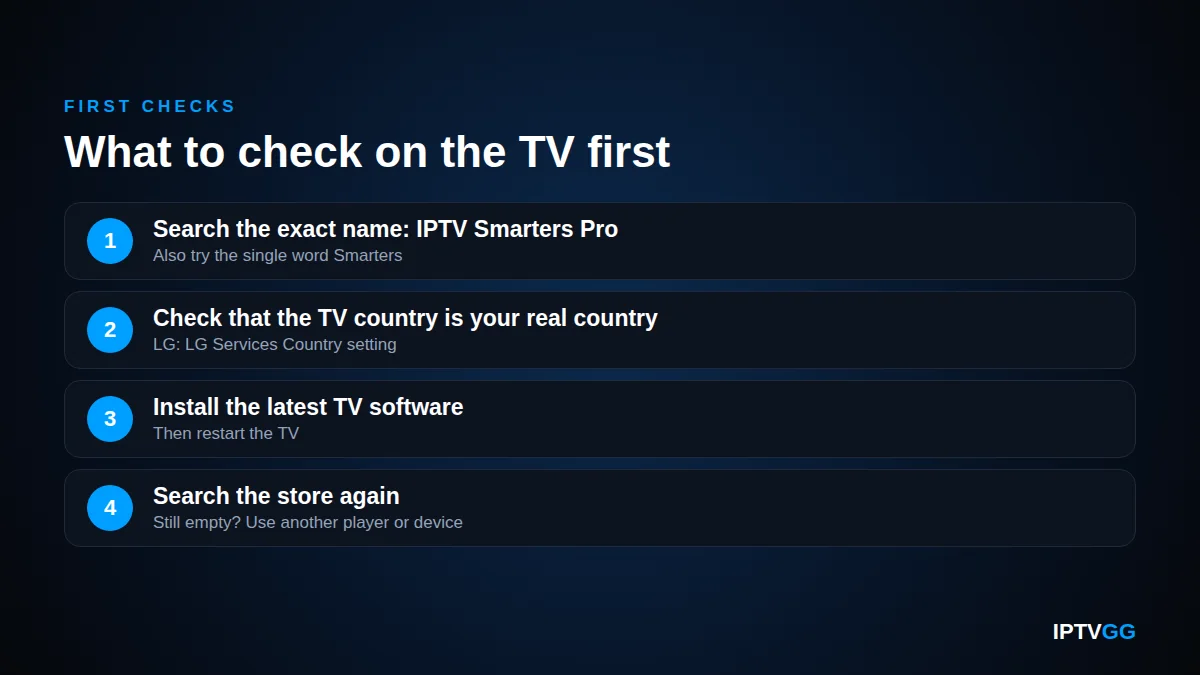
IPTV Smarters not available: what should you check first?
Start with the free checks. Our IPTV Smarters Pro Smart TV guide covers the normal install, so use this section when the search shows nothing.
- Search for the exact name: IPTV Smarters Pro. Also try the single word “Smarters”.
- Check that the country setting of the TV matches the country where you live.
- Install the latest TV software, then restart the TV.
- Search again. If you still get “IPTV Smarters not available”, move on to another player or an external device.
Samsung (Tizen)
On a Samsung Smart TV, press Home, select the Search icon on the left side and type the app name. If the app appears, select Install. To update the TV, Samsung gives this path: Settings > Support > Software Update > Update Now. The steps are on Samsung’s page about apps that will not open on a Samsung TV. Its last resort is Reset Smart Hub, which signs you out of every app.
Samsung states that available apps may vary depending on your country or region. The Samsung support pages we read describe no normal menu setting for switching the store country. Remote code tricks circulate on forums, but a Samsung community representative wrote that they are not a universal solution. We do not recommend a false country.
LG (webOS)
On LG, “IPTV Smarters not available” can be a country issue, and LG documents the setting. On 2021 and later models (webOS 6.0 and up), open Settings > All Settings > General > System > Location > LG Services Country. On 2020 and earlier models, the path has no System step. LG explains in its guide to LG Services Country and location settings that available apps and services may vary with the region you select. Set your real country.
To update a 2020 or later model (webOS 5.0 and up), go to Settings > All Settings > Support > Software Update > Check for Updates. LG’s software update instructions warn you not to unplug the TV during the update. Then open the LG Content Store from the Apps tab and search again.
Which player apps are in the official TV store?
If “IPTV Smarters not available” is still the result, another player from the same official store can do the same job. A player has no channels of its own. It only needs your login.
Look for other IPTV player apps in your TV’s app store. Pick one whose description mentions Xtream Codes or M3U.
Listings differ by country and by model. Read the listing before you pay for any licence.
For LG we name no apps, because we could not open LG’s web catalogue. On the TV, search the store for “IPTV” and pick a player whose description mentions Xtream Codes or M3U.
Watch out for lookalike names
After an “IPTV Smarters not available” result, be careful with apps that use a similar name. Check the seller, the reviews and the price before you type your login into any app.
Will your subscription login work in another player?
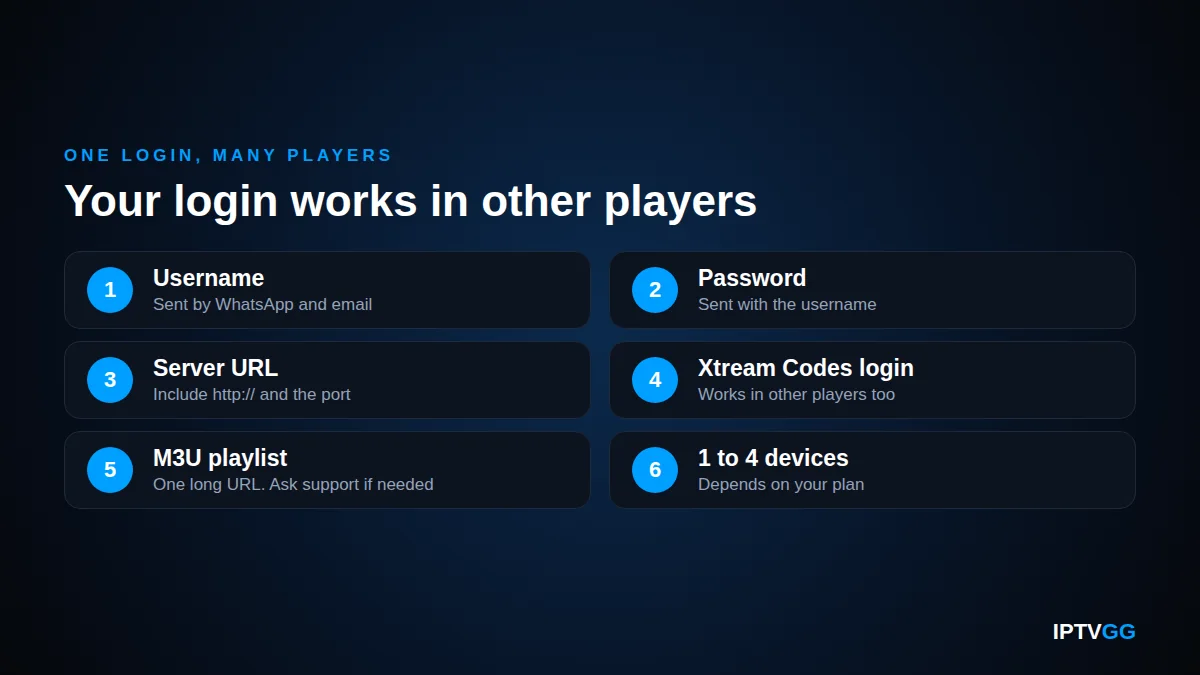
Yes. “IPTV Smarters not available” on the TV changes nothing in your account. Your IPTVGG login is a standard Xtream Codes login with three parts: a username, a password and a server URL. In IPTV Smarters Pro you choose “Login with Xtream Codes API” and type any name plus those three details. XCIPTV Player asks for the same three.
Some players accept only an M3U playlist, which is one long URL. If your player needs that, ask our support on WhatsApp. Copy the URL exactly, including http:// and the port number if there is one. MAG boxes are different: they use a portal address and a MAC address, as our IPTV portal URL guide explains.
Your details arrive by WhatsApp and email. One login works on the number of devices in your plan, from 1 to 4. The installation overview for every device lists the right app for each one.
Is a streaming device the most reliable fix?
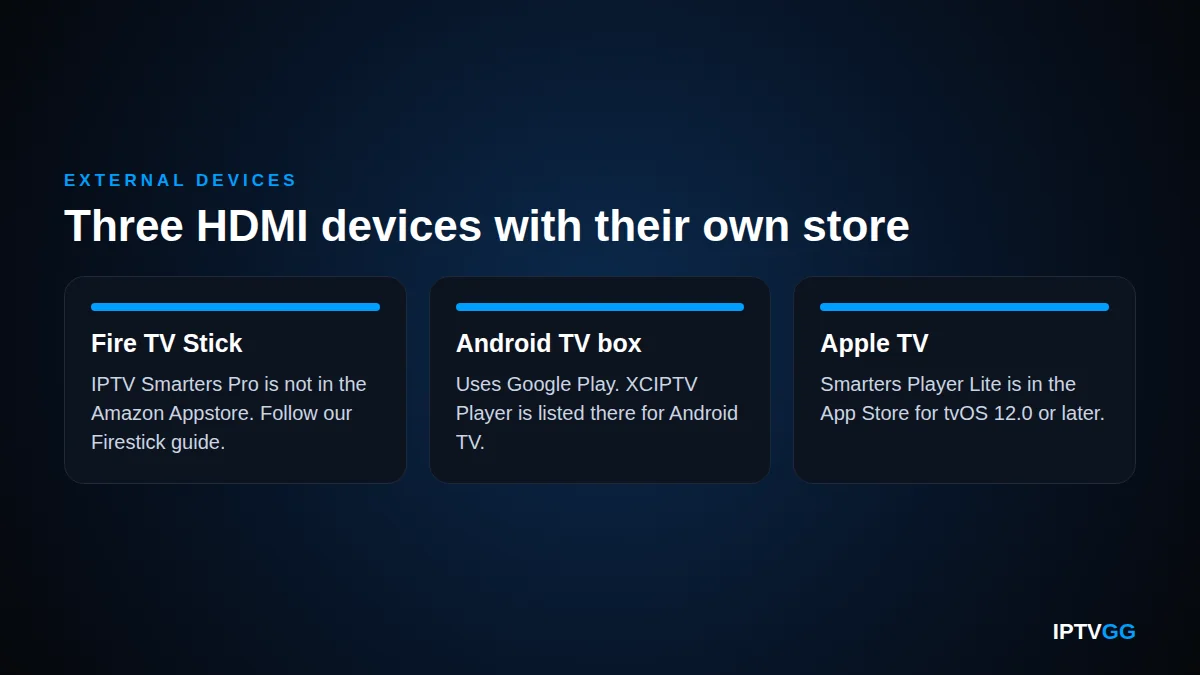
Often, yes. If “IPTV Smarters not available” stays on your screen after every check, an external device ends the problem. It brings its own app store and its own updates, and your TV becomes only the screen. Plug it into a free HDMI port, select that HDMI input on the TV and connect it to the internet. See our internet speed guide for IPTV.
Amazon Fire TV Stick
As our Firestick installation guide explains, IPTV Smarters Pro is not in the Amazon Appstore. The guide installs it with the Downloader app, from the developer’s official site only. Use no other download source and follow Amazon’s own instructions.
Android TV or Google TV box
These devices use Google Play. XCIPTV PLAYER on Google Play is listed for Android TV, and the page showed an update dated 12 August 2026. Our XCIPTV Player setup guide has the steps. We could not confirm a current Google Play page for IPTV Smarters Pro in October 2026.
Apple TV
The App Store lists Smarters Player Lite for Apple TV (tvOS 12.0 or later), iPhone and iPad. Follow our Apple TV and iPhone guide for the login.
Can you cast from a phone instead?
Yes, casting is a short-term fix for “IPTV Smarters not available” on TVs with AirPlay 2. Samsung’s AirPlay 2 page names select models from 2018 to 2025, and LG lists models from 2018 (webOS 4.0) onwards. Apple’s screen mirroring steps are short: connect the iPhone or iPad and the TV to the same Wi-Fi, open Control Center, tap Screen Mirroring, select the TV and enter the passcode if the TV shows one.
There are limits. Apple notes that some video apps might not support AirPlay, and Samsung notes that AirPlay does not work over most mobile hotspots. We have not tested AirPlay in every player, so do not plan daily viewing around it.
Developer-mode sideloading also exists on Tizen and webOS, but it is made for app developers, it is not an officially supported way to install a player, and we do not cover it here.
IPTV Smarters not available: which option fits your TV?
Use this table to choose quickly.
| TV type | What you see | Best option |
|---|---|---|
| Samsung (Tizen) | The app appears in the search | Install it and log in with Xtream Codes |
| Samsung (Tizen), newer model | No result, even after a software update | Another player from your Samsung store, or an HDMI device |
| LG (webOS) | No result in the LG Content Store | Check LG Services Country and update, then try another listed player |
| Samsung or LG | Only apps with similar names | Check the seller first. If you are unsure, use an HDMI device |
| Any TV with AirPlay 2 | You need a picture tonight | Screen mirroring from an iPhone or iPad, as a temporary fix |
IPTV Smarters not available: FAQ
Why is IPTV Smarters not available on my new Samsung Smart TV?
We found no official explanation. Samsung’s US site still shows the listing, but a 2024 TV owner reported that the voice assistant called the app “not supported on this device”. So the model year seems to matter. Update the TV, search again, then use another player or an HDMI device.
Is IPTV Smarters Pro in the LG Content Store in 2026?
We could not confirm it. LG’s web catalogue did not load during our check, and user reports conflict. On LG, “IPTV Smarters not available” may be a region or model issue. Check LG Services Country, update webOS and search again. If the app is still missing, choose another player or connect a streaming device.
Does “IPTV Smarters not available” mean my subscription is broken?
No. The message is about the app, not about your account. Your username, password and server URL stay valid, and they work in other players that support Xtream Codes. Test the login on a phone or a computer first. If it fails there too, write to us through our contact page.
Should I change the TV region when I see “IPTV Smarters not available”?
Set the country where you really live. Both makers say apps vary by country, so a wrong setting can hide apps. We do not recommend a false country. Samsung’s public support pages give no normal menu for it. A streaming device is the cleaner fix.
Which device is easiest if the TV store has no player?
Use the one you already own. An Apple TV has Smarters Player Lite in the App Store. An Android TV or Google TV box has XCIPTV Player in Google Play. A Fire TV Stick needs a few more steps. All three connect by HDMI and use the same login.
Is “IPTV Smarters not available” a reason to wait before I order?
No, but test first. The free trial lasts 24 hours and needs no card. Use it to check which player works on your Samsung Smart TV, LG set or streaming device. A refund can be requested within 24 hours of activation. See our frequently asked questions.
Test your setup before you pay
“IPTV Smarters not available” is an app store problem, and you now have five ways around it. Try your TV or streaming device with the 24-hour free IPTV trial. When everything works, choose from the IPTVGG subscription plans, from €12.99 for 1 device and 1 month. Support is on WhatsApp at +212 601 675807.
Smarters not working on your Samsung or LG?
Try a line that is set up for your TV before you spend anything. 24 hours, no card.